
A few months back, a friend messaged me asking, “Bro, how much does Canva Pro actually cost? Their pricing page is confusing me.” That question stuck with me, because honestly, I remember feeling the exact same way the first time I looked into upgrading.
Between monthly billing, annual billing, team plans, and regional pricing quirks, it’s easy to end up more confused than when you started. So I put together this straightforward breakdown of exactly what you’ll pay for Canva Pro in 2026 — no guesswork, no surprises on your card statement.
(New to Canva Pro entirely? Start with our Canva Pro Free Trial guide — you can test everything below for 30 days before spending anything.)
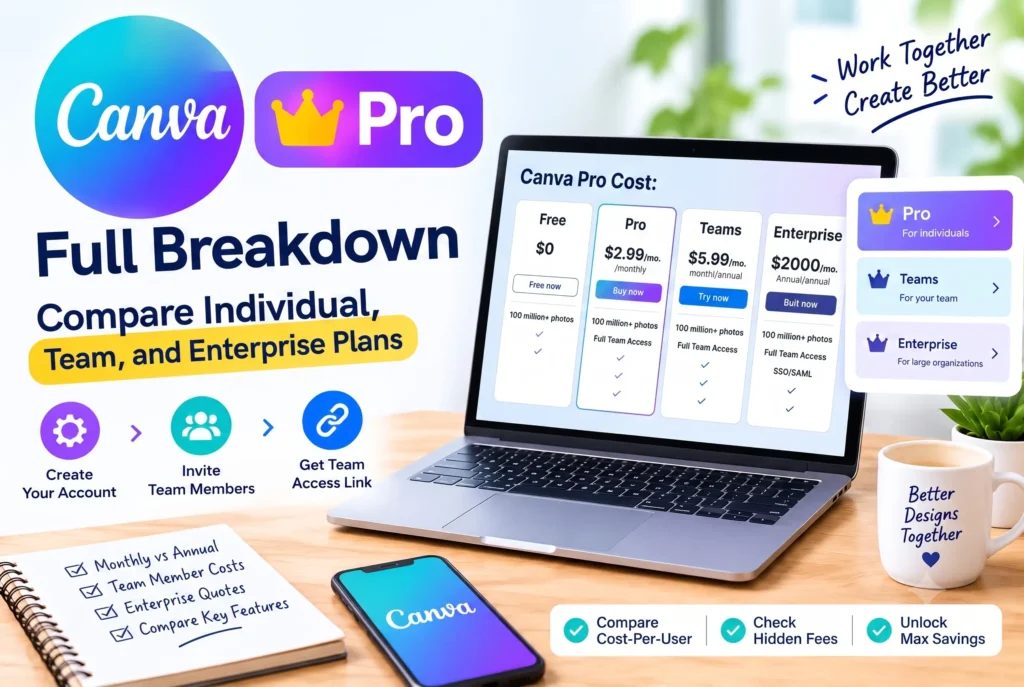
How Much Is Canva Pro? The Quick Answer
Let’s cut straight to it. As of 2026, here’s what Canva Pro costs:
| Plan | Price | Best For |
|---|---|---|
| Canva Pro Monthly | ~$12.99/month | Short-term projects, one-off campaigns |
| Canva Pro Annual | ~$119.99/year (~$10/month) | Regular users, freelancers, small businesses |
| Canva for Teams | ~$10/month per person (billed annually) | Agencies, marketing teams, businesses with 2+ users |
I’ll be upfront: prices shift a bit depending on your country and currency, and Canva runs seasonal discounts fairly often. Always glance at their official pricing page before you actually subscribe.
Monthly or Annual — Which One Should You Pick?
I get asked this a lot, so here’s how I’d break it down.
Go monthly if:
- You need Pro features for one specific project or campaign
- You’re not sure yet whether you’ll stick with it long-term
- Flexibility matters more to you than saving money
Go annual if:
- You’re designing weekly or more
- You want to save roughly 20-25% compared to paying monthly
- You’re a freelancer or small business treating Canva as a core tool
From my own experience, if you’re using Canva regularly, the annual plan pays for itself within about three to four months. After that, you’re basically saving money every month you stay subscribed.
What About Canva for Teams?
If you’re not working solo — say, you’ve got 2-3 people handling social media or client design — Canva for Teams usually works out cheaper per person than everyone buying separate individual Pro plans.
It also throws in a few extras that individual plans don’t have:
- Shared brand kits and templates across everyone on the team
- One centralized invoice instead of juggling multiple subscriptions
- Approval workflows, which are genuinely useful for agency or client work
- Shared folders with real-time collaboration
I’ve seen small agencies switch to this setup and immediately notice how much smoother handoffs become between designers and reviewers.
Is Canva Pro Actually Worth the Money?
Here’s a quick gut-check I use. Canva Pro is generally worth it if you:
- Post on social media more than once a week
- Need consistent branding — same fonts and colors across every design
- Use the background remover or Magic Resize tool regularly
- Save at least 2-3 hours a month using premium templates instead of building from scratch
If none of that really applies to you and you only design occasionally, the free plan (or a 30-day free trial to test it properly) is probably enough. You can walk through exactly how to activate that trial in our step-by-step guide.
A Few Ways to Bring the Cost Down
- Pick annual billing — it’s simply the cheapest per-month rate available.
- Check if you qualify as a student or teacher — Canva for Education is completely free for verified users, no cost involved at all.
- Watch for regional or seasonal discounts — Canva tends to run promotions around New Year and back-to-school season.
- Nonprofits should apply for Canva for Nonprofits — eligible organizations get Pro features at no charge.
What I’d Tell a Friend
If someone asked me today whether Canva Pro is worth the cost, I’d say: it depends entirely on how often you’re actually designing. For freelancers and small business owners producing content weekly, it’s genuinely one of the more reasonably priced tools out there — cheaper than hiring a designer, and far less clunky than juggling five different free tools.
For someone who designs a birthday card twice a year? Save your money and stick with the free plan.
Frequently Asked Questions
Is Canva Pro cheaper if I pay annually?
Yes — the annual plan works out to roughly $10/month compared to $12.99/month if you pay monthly, saving you around 20-25% over the year.
Does Canva Pro pricing vary by country?
Yes, pricing is adjusted regionally and shown in your local currency, so the exact number can differ from what’s listed here.
Can I switch from monthly to annual billing later?
Yes, you can change your billing cycle anytime from your account’s Billing & Plans settings.
Is Canva for Teams worth it for just two people?
Often yes — the per-person cost on a Teams plan tends to work out cheaper than two separate individual Pro subscriptions, plus you get shared brand kits.
Final Thoughts
Canva Pro’s pricing is genuinely reasonable once you compare it to hiring a designer or paying for multiple separate design tools — especially if you go with the annual plan. Still unsure? The smartest move is starting with the 30-day free trial and seeing for yourself whether the premium features actually save you time before you commit to paying anything.
Want to know exactly how to activate your free trial and cancel before you’re charged? Read our full Canva Pro Free Trial guide here.
2 thoughts on “Canva Pro Cost in 2026: Full Pricing Breakdown (Monthly, Annual & Team Plans)”